I mainly use Codex and Claude Code. When the usage limit is reached the work stops, and what I wanted was somewhere local to send it until the quota came back. Not a chat window on the second monitor. An agentic coder that could keep making real changes to a real repository while I waited.
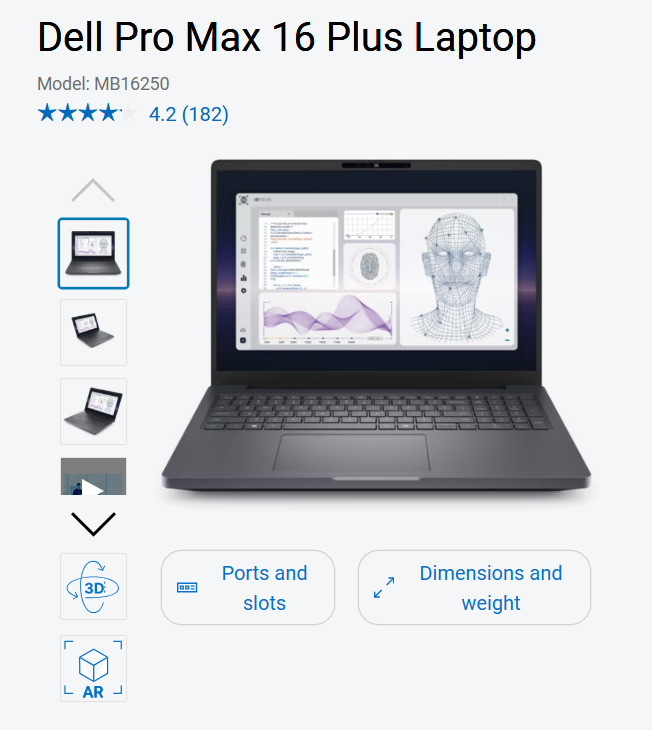
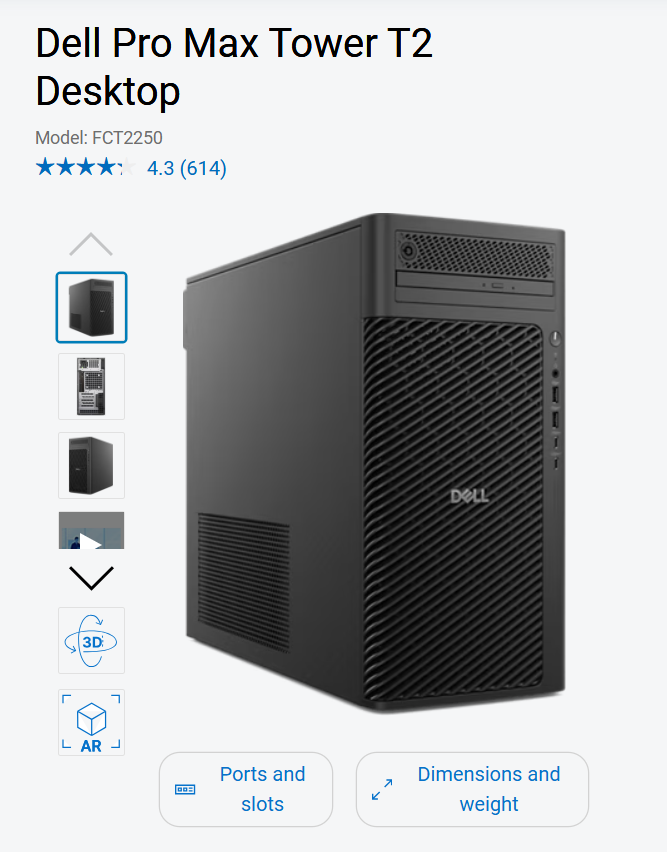
Two machines were candidates, and every result below is bounded by them. The laptop is a Dell Pro Max 16 Plus with an NVIDIA RTX PRO 3000 Blackwell Generation Laptop GPU and 12 GB of VRAM. The desktop is a Dell Pro Max Tower T2 with an NVIDIA RTX PRO 4000 Blackwell Generation GPU and 24 GB of VRAM.
From Ollama to LM Studio
Ollama is where I started, because I already knew it from earlier experiments. ollama run <model> pulls the weights if they are missing and drops you straight into a session, and that lack of ceremony is the whole appeal.
Its Launch panel applies the same idea to the harnesses themselves, one copyable command each:
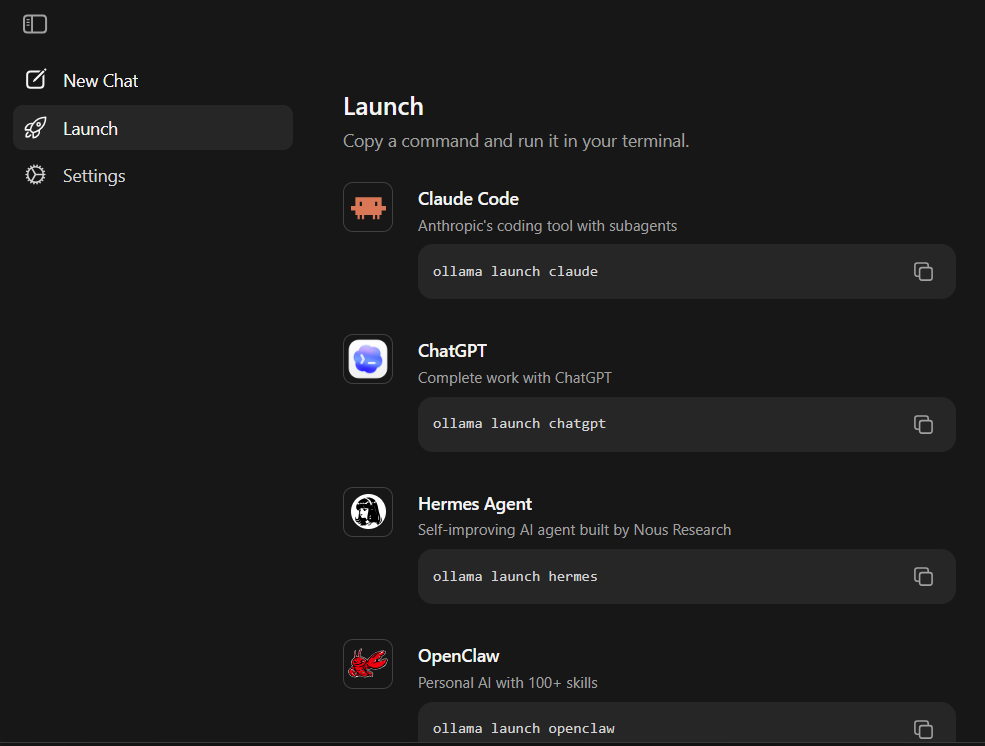
I moved off Ollama fairly quickly and went ahead with LM Studio instead. It gave me more to turn without demanding extremely deep knowledge of model internals, and it ships a curated list of LM Studio recommended models, so picking a starting point is not itself a research project. Two of its controls matter for everything below: the GPU offload setting, which decides how many of a model’s layers sit in VRAM, and the local OpenAI-compatible server it exposes, which is what a coding harness talks to.
Its library is also where you see what you actually pulled down, quantization included:
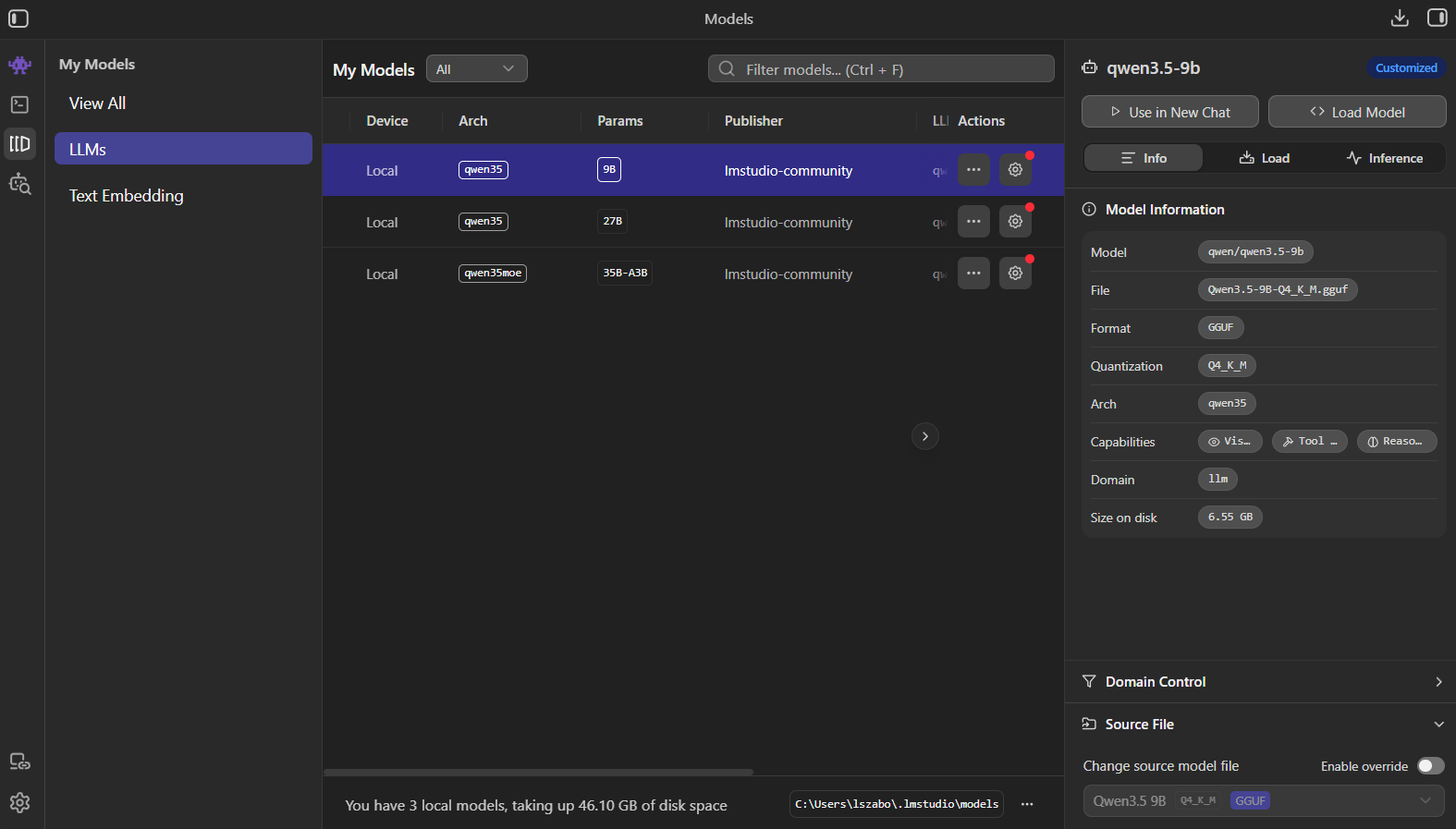
Harnesses and tools
Most of my testing ran through OpenCode and Qwen Code. I also pointed Claude Code at the locally hosted models to see what it did with them.
On top of the harness I gave the local models the same toolchain I give a frontier model, because handicapping them would have made the whole comparison worthless:
- Context7 MCP: up-to-date library documentation, so the agent is working from current APIs instead of what it remembers.
- CodeGraph MCP: to move through the source accurately.
- Context Mode: to optimize the context.
- RTK: to cut the input size.
- The infamous grill-me skill: to make the agent interview me before it writes anything.
- The GitHub MCP server: for the GitHub side of the work.
Every one of those MCP servers costs context before the first prompt is sent, because their tool definitions land in the window up front. I knew that and ran them anyway.
The test round
The test was the same every single time, which is the only reason the rounds below are comparable.
I handed the agent a Dart and Flutter project that is already at production level: a Firebase app that uses freezed to generate the models it maintains in Firestore through repositories, with riverpod for state management. Its AGENTS.md is thorough without being exhaustively big.
The task was to generate a new model and the matching repository for a feature I wanted to implement, and to write the tests for it. Before touching code it had to use the grill-me skill to interview me about anything unclear in the requirements. And it had to follow the project conventions that the agent memory files document.
Working would have meant one thing: a change I could review the way I review any other. Conventions intact, the API I asked for present, tests written, the whole thing compiling.
The 12 GB laptop
I set the harnesses and their configurations up on the laptop, then started downloading and instantiating models. The machine, as Dell lists it:
First was the Gemma 4 family, where the biggest I could choose was the 12b variant. LM Studio booted it and applied its recommended options without a fight, inference was fast, and a quick chat session suggested a very capable model.
After Gemma I tried OpenAI’s GPT-OSS 20b. That one did not fit, so I partially offloaded some of its layers to system RAM, and with the balance tuned I still got good inference performance out of it.
Then the Qwen family, specifically the 3.5 9b variant, which also fit entirely in VRAM and performed well.
The result
None of them produced work it would have been reasonable to keep using, and no amount of parameter tweaking changed that. I tried my own assumptions first, then the settings I found written up online.
Most of the time they did not follow the conventions, which are well written and sitting right there. Many times they forgot to ask questions in the speccing session. Even when one did manage to walk me through its questions, most of the deal had been forgotten by the point it finished. The output was half-done, lazy and messy, and in several cases it did not even compile.
Throughput was never the problem on this machine.
What I tried next
I read a lot of articles: different tweaks, different techniques, other models I should try. Each of those attempts ended in the same experience.
The biggest piece of work on my side was restructuring the agent memory. I split it into distinct files by domain and left the root memory file as nothing but references to them, so the context could stay smaller and the model would not go into the dumb zone as quickly. Interestingly, that made almost no difference at all in the outcome.
The verdict
At this point in time I believe there is no workload self-hostable on a laptop like this one that could step in while my quota for the frontier models refreshes.
The 24 GB desktop
With twice as much VRAM I could move up to heavier models. The second machine, from the same catalogue:
I started with the Gemma 4 family again, this time the 26b a4b and the 31b. Then the bigger Qwen models: I played around with the 3.6 27b, the 3.6 35b a3b, and the coder 30b.
I put these through all three harnesses on this machine. Qwen Code came out ahead: it tried hardest to be thorough, and it paired naturally with the qwen-coder weights. Its /goal command was buggy at the time, so that one part I never got to test.
The result
The difference showed up immediately. The harnesses gathered far more detail about the project before they started interviewing me, and the changes kept the conventions much more cleanly and followed the regulations set out in the memory files. At first I was very happy with the results.
Then the deliveries. Their solutions were more ambitious and much closer to what I wanted to see, and they still somehow managed to miss things. Sometimes the tests were missing. Sometimes an API that was clearly required never got implemented.
The worst part came when I retried the test with harder instructions about not missing anything. 9 out of 10 times the agent ended up looping.
So doubling my VRAM also did not hand me the tool to switch to when my frontier subscriptions are off limits.
What I tried next
I dug deeper here than on the laptop, trying to squeeze the workload I needed out of this hardware. I met a lot of interesting material describing techniques and tools that promised exactly the result I was looking for. I worked through them and landed in the same exact experience each time.
The last round was Agents-A1, which states unbelievable facts about itself on its homepage, so I could not wait to give it a spin. But there are no miracles. It let me down the same way as everything above it.
The verdict
24 GB of VRAM can give you a lot, and these models are capable of outstanding work in other fields. On production-grade coding against an existing project, they just do not seem to deliver.
Where that leaves me
There is no shortcut and no cheap solution here. If you need an LLM for this kind of work you either buy yourself the proper equipment or keep using cloud based frontier providers.
That verdict is bounded on purpose: two Blackwell generation RTX PRO GPUs at 12 and 24 GB, models between 9b and 35b served through LM Studio, three harnesses, and one task on one production Dart and Flutter codebase that has its conventions written down. It is bounded to right now as well, which is the part most likely to change.
And I can tell you what happened, not why. I never isolated a cause, so what I have is the failure pattern, not the mechanism behind it. If someone hands me a configuration that clears this bar on 24 GB, I will run it.
What else I work on is at lezli01.is-a.dev.
// comments load as you scroll here. They live in GitHub Discussions; sign in with GitHub to join in.